Add a Delivery Experience Survey to your Tracking Page
This feature requires setting up an Email Delivery Survey first
To capture more information about a delivery experience, a Shopify App Block is available to add to your tracking page.
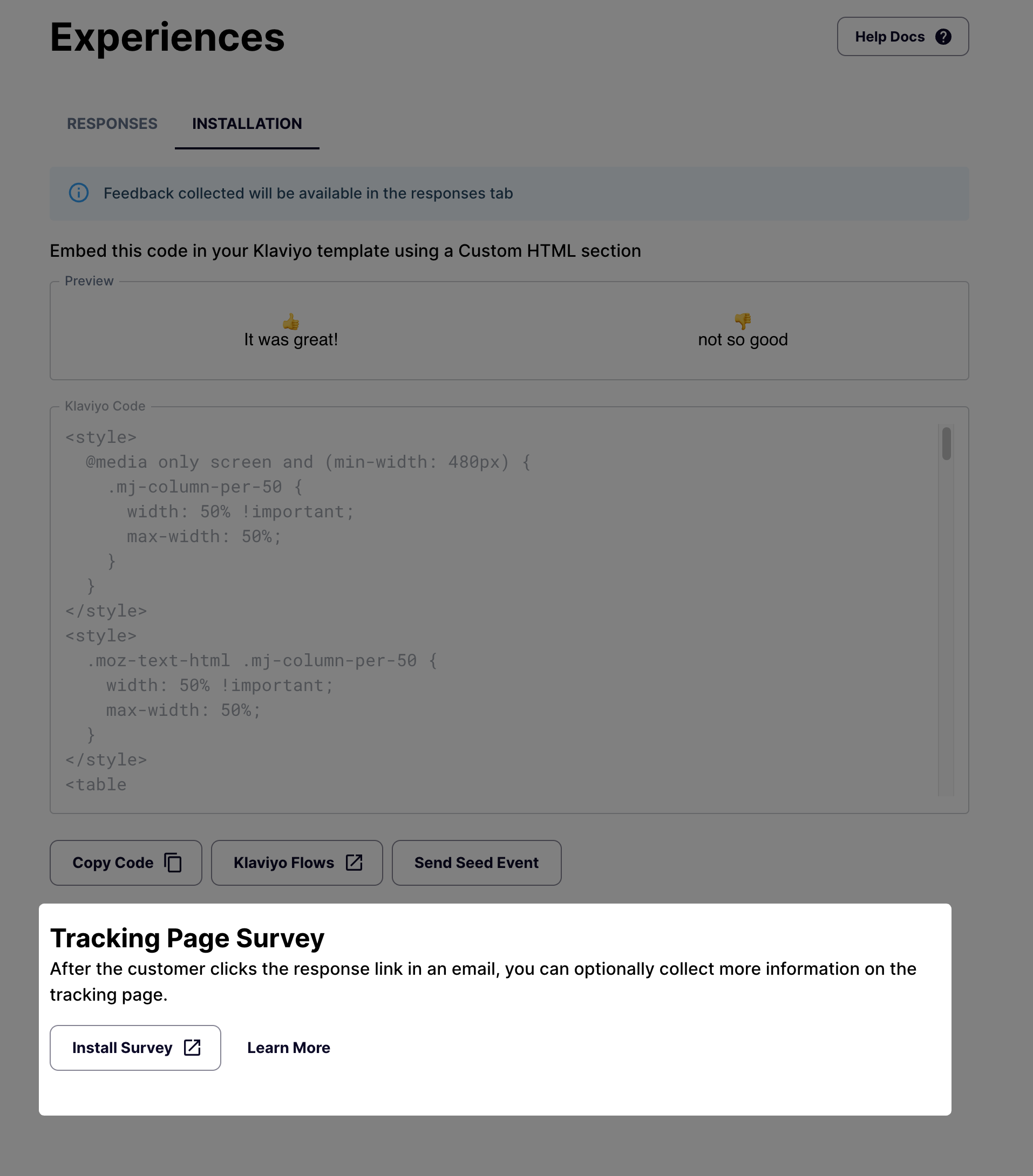
You can add the block from the Shopify theme editor, or via the install link.
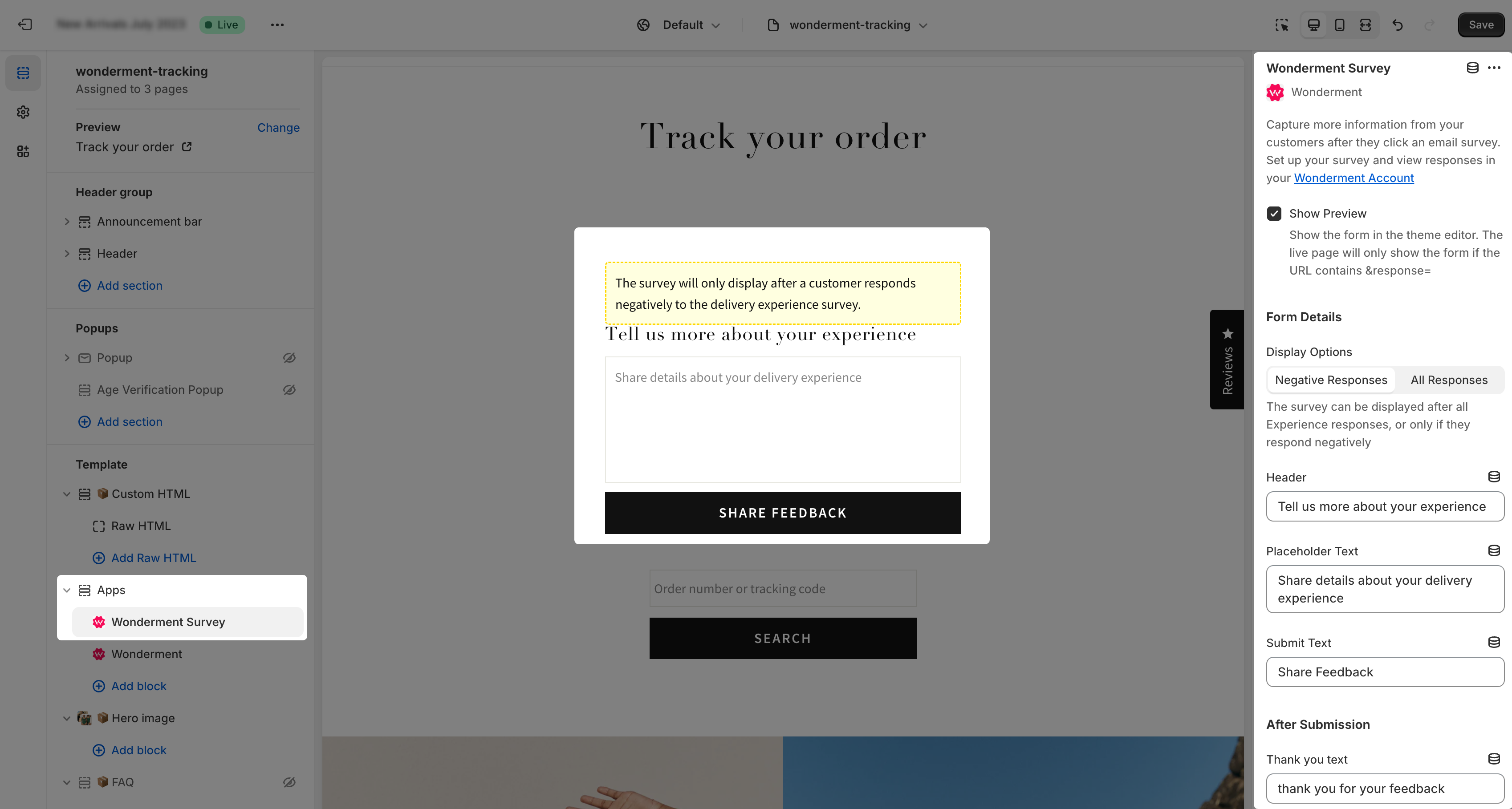
The survey will show up on the tracking page after clicking on an embedded Email Delivery Survey. It can be configured to be shown for all responses, or only if the customer responded negatively to the email survey.
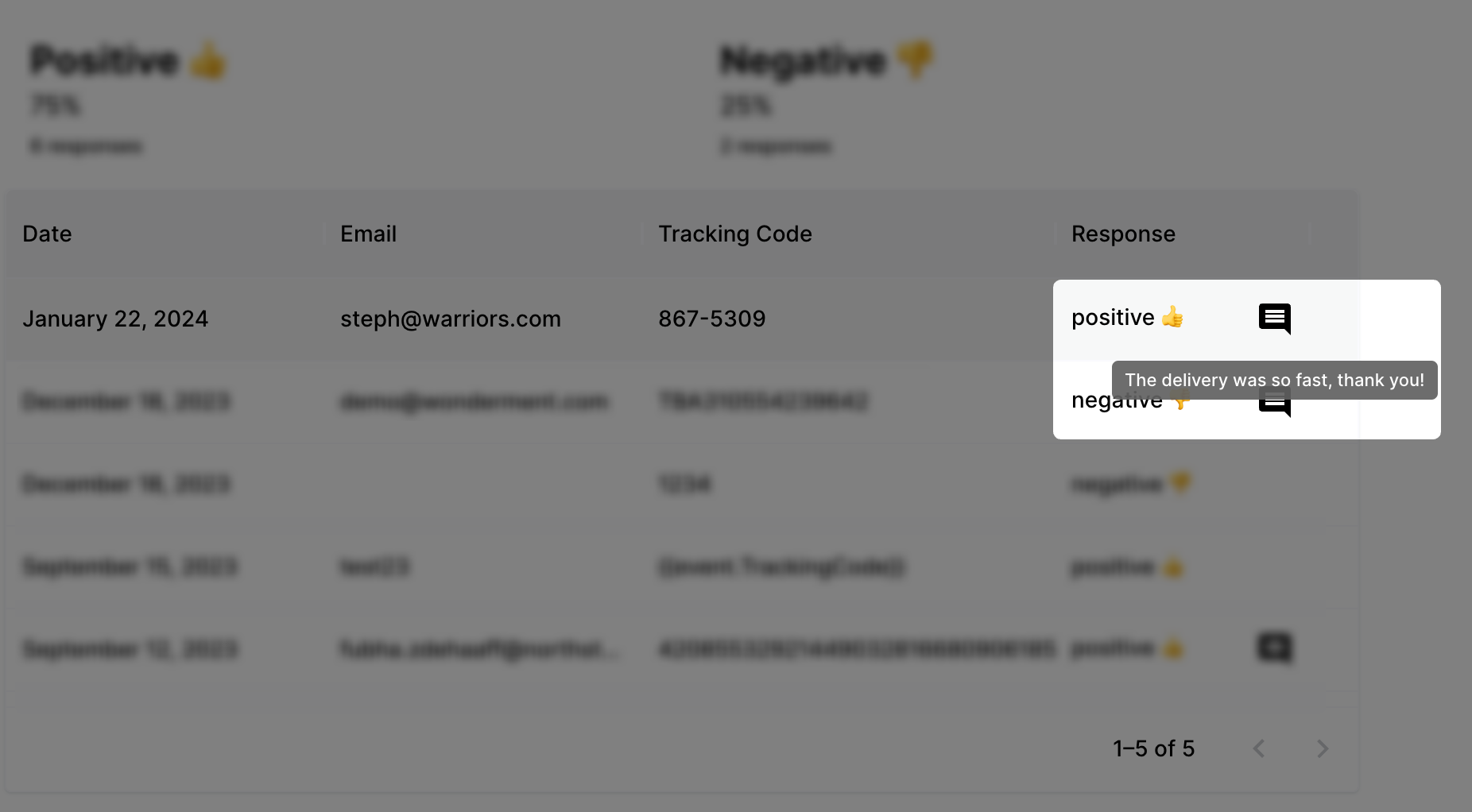
After a customer submits a response, it will be available in the Experiences > Responses tab in the Wonderment Admin dashboard.
Klaviyo Integration
If you have the Klaviyo OAuth integration enabled, submitting the written response also triggers a Klaviyo event named Wonderment - Survey - Delivery Feedback Detail Response. The event includes the customer's written response along with the tracking code, shipment status, and response source, so you can use it to build follow-up Flows in Klaviyo.
Alert your customer service team
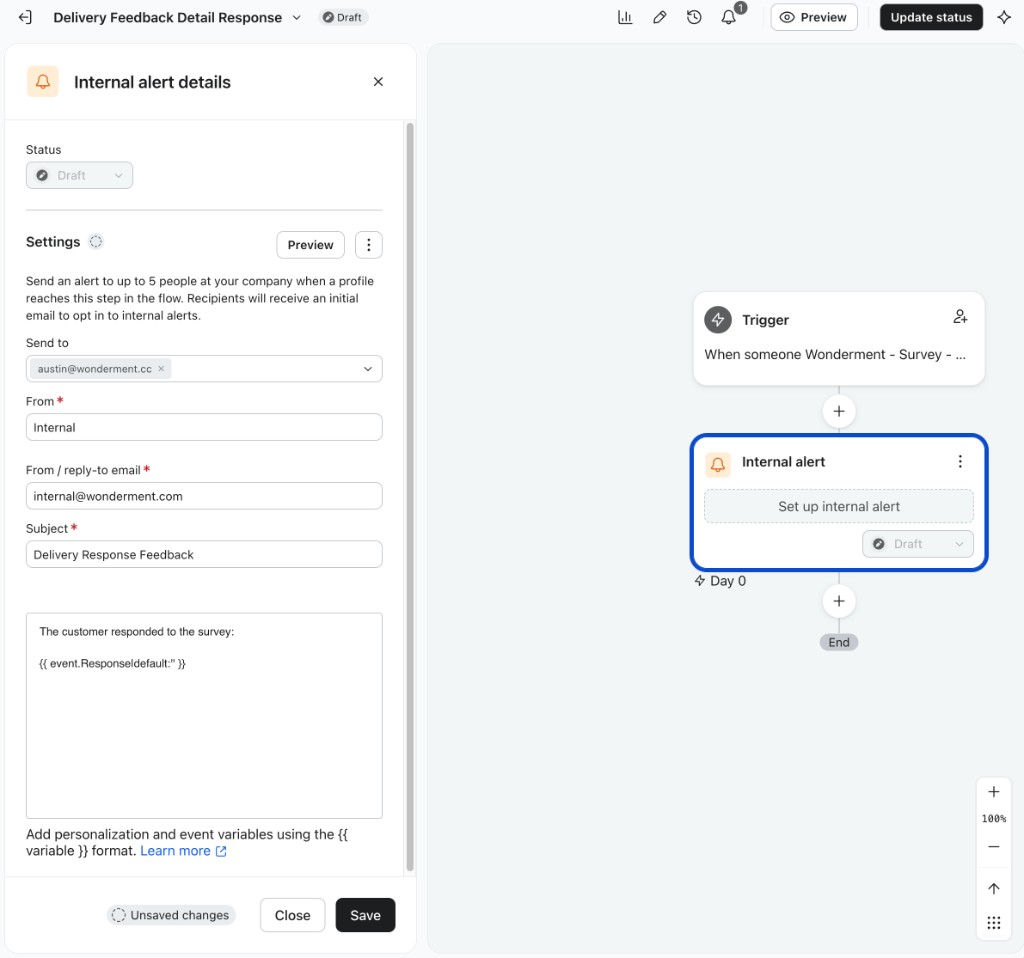
To notify your customer service team about each response, add an Internal Alert action to the Flow. Include the following event variable in the alert message to display the customer's written response:
{{ event.Response | default:'' }}